Can Claude Edit Videos? How My AI Team Turns One Raw Clip Into a Post
Yes. Claude can cut a raw clip into a finished, on-brand video in Claude Code, which works with the files on your computer. It needs context first: your style references, your brand and a few rules, in one folder.
Set up once, then one message per video
Published 26 October 2026
By Manie Eksteen
In this guide
- Can Claude edit videos? Here's one raw clip
- Claude video editing: what you need
- Step 1: Make a folder for your videos
- Step 2: Fill the style folder
- Step 3: Fill the brand and ideas folder
- Step 4: Add the rules: plan first, then approve
- Step 5: Point it at your raw clip
- Can ChatGPT edit videos too?
- Frequently asked questions
- The takeaway
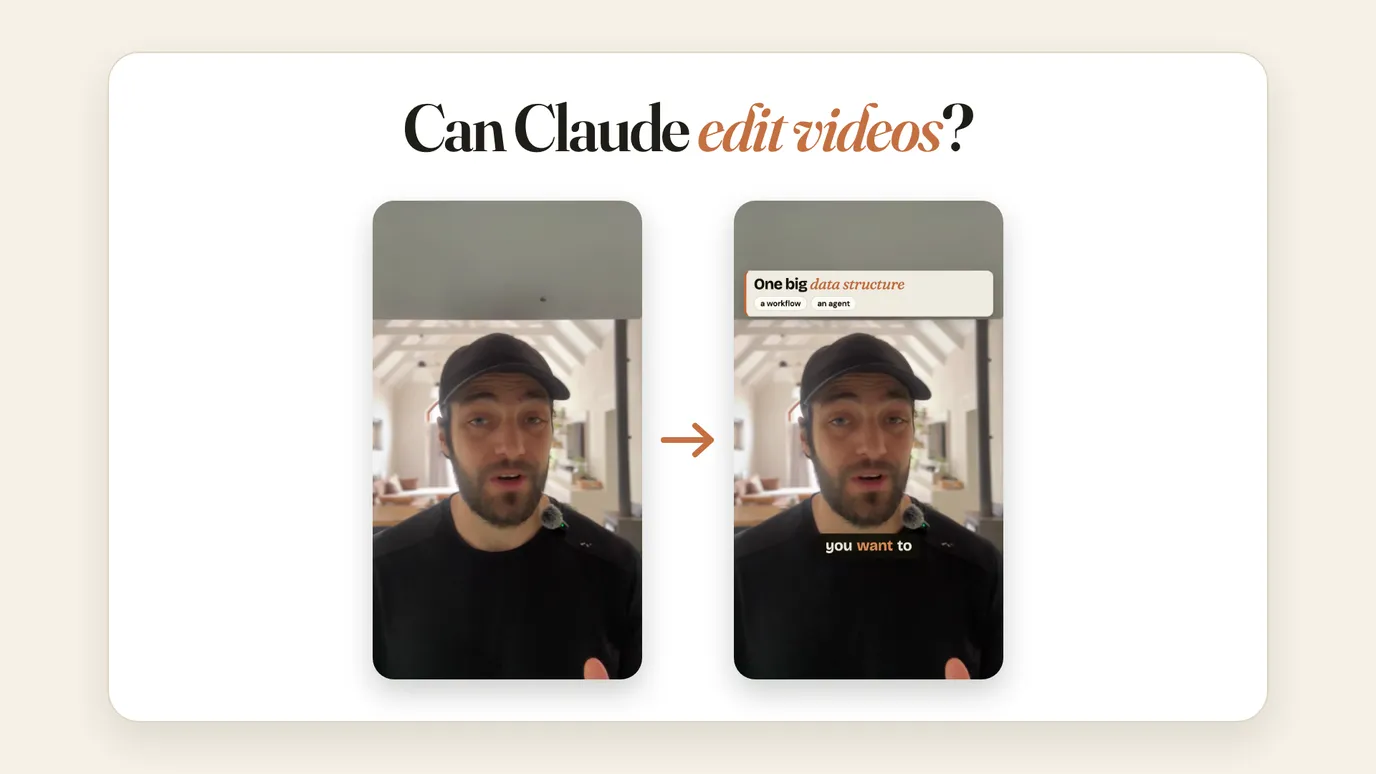
Yes, Claude can edit videos. I film a raw clip on my phone, drop it in a folder, and Claude cuts it into a finished, on-brand video, with captions, motion and my colours, while I sit outside with my tea. It works in Claude Code, the part of Claude that works with the files on my computer, rather than in an ordinary chat.
But it needs context. If you just drop a clip in and type "build me a video", it will, but it won't look like you. The work is in setting up the folder it reads first. Here's exactly how I do it.
Can Claude edit videos? Here's one raw clip
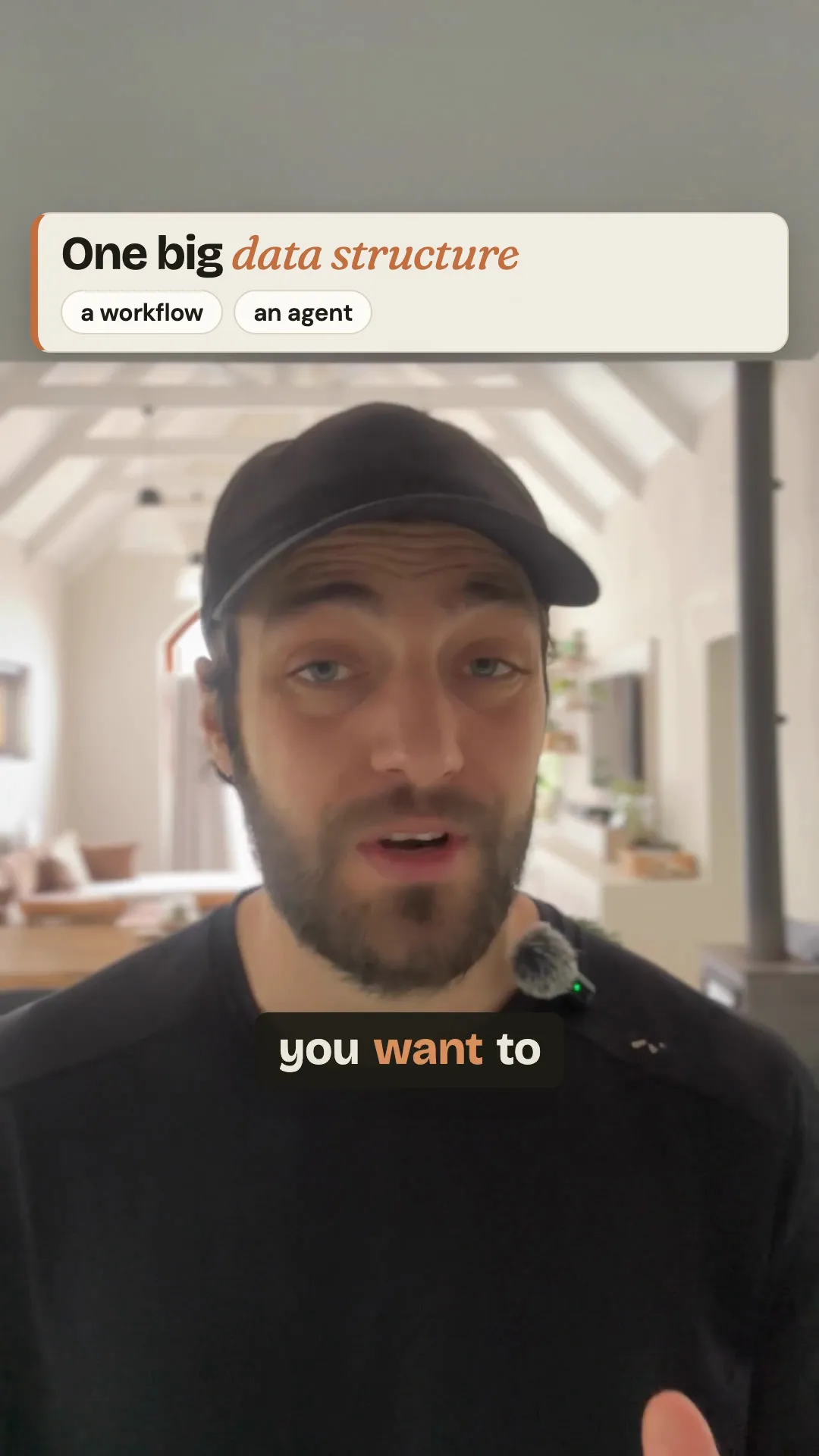
I filmed a two-and-a-half-minute talk in my kitchen and shared it to a Google Drive folder my AI team can reach. My video agent, Arc, has his own rules: what I like, what I don't, and how he works. This is what happened next.
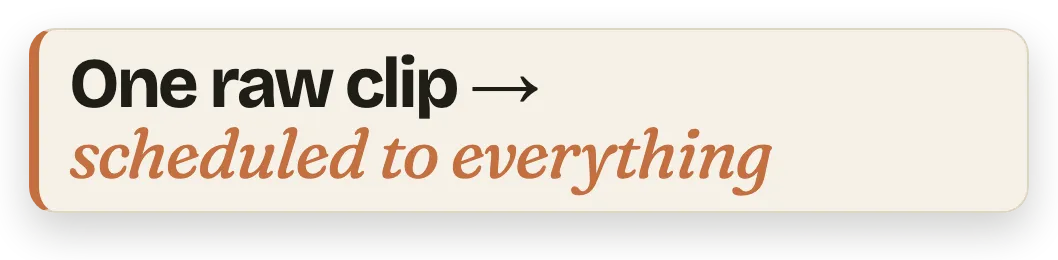
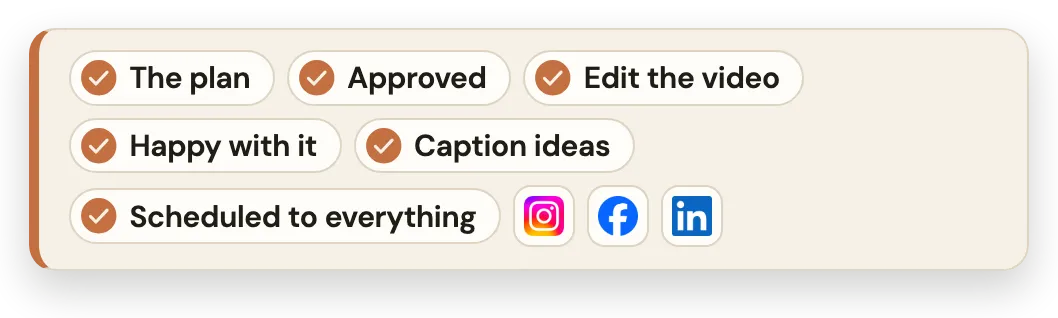
- I sent Arc a short message, "I've just uploaded a video to the drive and I want you to edit it for me," with a few ideas I had.
- He transcribed it on my own Mac with Whisper, a speech-to-text model that runs on the computer itself, so it cost nothing and gave him every word's timing for the captions.
- He came back with a rough plan for me to approve before he built anything.
- I switched on remote control, which puts the session on my phone, and went outside.
- Once I'd approved the plan, he edited the video and sent me the first draft.
- Once I was happy with it, he passed it to Echo, my social media agent, who sent me caption ideas.
- With the captions approved, Echo scheduled it to Instagram, Facebook and LinkedIn, and it went out that afternoon.
Claude video editing: what you need
- A paid Claude plan with Claude Code: Pro, Max, Team or Enterprise. If you're new to it, this guide explains which part of Claude does what.
- A computer. Claude Code works on your machine with tools that run there: Whisper to transcribe, ffmpeg to cut and mix the sound, and Remotion to lay out and render the video. Remotion is free for a business of up to three employees; a bigger company needs its paid licence.
- Your raw clip, filmed on your phone is fine.
- Time to set up the folder once. It's the part that takes longest: I've spent a lot of time teaching my agents my style.
I run it on Claude Opus 5.5 at max effort, the deepest reasoning setting. In Claude Code you type /effort max, and it holds for that session. Max thinks longer, and Anthropic's own Claude Code guide says it can overthink, so try it on one clip and compare it with xhigh.
Step 1: Make a folder for your videos
Make one project folder for your videos, and put three folders inside it. This is what the model reads before it touches your clip, and it's the difference between "a video" and your video.
Step 2: Fill the style folder
The first folder is your taste: pictures of video elements you like.
Take a screenshot of each one, a caption style, a title card, a transition, a lower third, and drop it in. You can also give Claude links to Instagram, Facebook or TikTok videos whose style you like, so it can go and analyse them. Say what you like about each one, and what you don't.
Step 3: Fill the brand and ideas folder
The second folder is who you are and what you're trying to do:
- your brand colours and your fonts
- your logo
- the videos you plan to make, and what each one is for
- who's watching, and what you want them to do after
This is what keeps every video on brand, not just the first one.
Step 4: Add the rules: plan first, then approve
The third folder holds your skill files: the rules Claude follows every time. The most important one says: before you build anything, show me a plan, and bring the video elements for my approval. Only once I've approved, build the first draft and send it to me.
That one rule is why I can sit outside. Nothing gets built that I haven't said yes to.
Copy this prompt into Claude Code, inside your video folder, and it will interview you and write the three folders' files with you:
I want to set up this folder so you can edit my videos the way I like them. Interview me, one question at a time, and wait for my answer before you ask the next. I may speak my answers instead of typing them, so keep my words as I say them.

Ask me:
1. What my business is, and what my videos are for.
2. Who watches them, and what I want viewers to do after.
3. My brand colours, my fonts and where my logo is.
4. Which videos I like the style of: ask me for links or screenshots, then study each one and tell me what you see. Ask me what I like and what I don't about each.
5. How long my videos usually are, and which platforms they go to.
6. Anything you must never do in my videos.

Then set up three folders here:
1. style: my screenshots and links, with a short note on what I like and don't like in each.
2. brand: a file with my business, my audience, my colours, my fonts, my logo and my video ideas.
3. skills: a skill file with your rules for every video. Before you build anything, show me a plan and the video elements you'll use, and wait for my approval. Only then build the first draft, and send it to me to approve.

Use only what I tell you. If something is unclear, ask me again.
Set it up and hit a bump in the road? Email me at manie@tidastra.ai and I'll get back to you with how to fix it, free of charge.
Step 5: Point it at your raw clip
Now the daily part. Drop your clip in the folder and paste this. Claude asks you which clip, two or three videos you'd like it to feel like, and what you like and don't like about them:
Everything you need is in this folder: my style, my brand and your rules. I've just added a raw clip for you to edit.

Before you build anything, ask me, one question at a time, and wait for my answer:
1. Which clip to edit, if there's more than one new one.
2. Two or three videos I'd like it to feel like, as links, and what I like and don't like about each.
3. Anything this video must say or show.

Then follow your rules: watch the clip, show me your plan and the video elements for my approval, and only then build the first draft.
Set it up and hit a bump in the road? Email me at manie@tidastra.ai and I'll get back to you with how to fix it, free of charge.
Claude transcribes the clip, plans the cut, and waits for your yes. Then it builds the first draft and sends it back for you to approve or change.
Can ChatGPT edit videos too?
Yes. I gave OpenAI's GPT-6 Astra the same video and the same prompt, and it did a great job too, in its own way, so it doesn't look identical. It used a lot of tokens, and I'm not on ChatGPT's biggest plan, so it wasn't a fair side-by-side. I prefer Claude because it has more context on who I am and how I work.
The point is that the stronger models now do a really good job of editing video. Claude Opus 5.5 on max effort is the one I've tested and proven, and either one needs the context first. The folder works in any AI: it's a filing structure, not a Claude trick.
Frequently asked questions
Can Claude edit videos?
Yes. Claude Code on your computer can transcribe a raw clip, plan the cut, add captions and motion, and render the finished video. It does a much better job when it has your style references, your brand and a few rules in a folder first.
Do I need Claude Code to edit videos with Claude?
Yes. The chat window can plan a video and write a script, but cutting the actual file happens in Claude Code, which works with the files on your computer. It comes with Claude's paid plans.
Will it match my brand?
Only if you give it your brand. Put your colours, fonts, logo and a few examples of videos you like in its folder, and add a rule that it shows you a plan before it builds. Without that, you get a video, just not yours.
How long does it take?
Setting up the folder takes the longest, and it gets better every time you correct it. After that, each video is one message from you, a plan to approve, and a draft to check. The clip on this page went from my message to Arc's first draft in about 45 minutes, and it was posted an hour and forty minutes after I sent it.
Can it post the video for me?
In my office, my social media agent, Echo, writes the caption ideas and schedules the video to Instagram, Facebook and LinkedIn once I've approved them. A video agent like Arc isn't part of our ready-made office: it's a custom build. If you'd like one built into your business, book a call and I'll show you how mine runs.
The takeaway
Claude can edit your videos. Give it your taste, your brand and one rule, plan first, and one raw clip becomes a finished post while you get on with your day.
And the point isn't that your videos look edited. The point is that video editing and these tools become part of your creative process.
If you want something like this built into your business, whether you run it alone or want to take the heavy lifting off your team, see what a custom build includes, or read how my AI agents now message each other.