What Are Claude Agent Teams, and How Do Agents Message Each Other?
Claude agent teams are a Claude Code feature where one lead agent starts teammates that work side by side and message each other directly. Separately, your own Claude sessions can now message each other too, with nothing to switch on.
4 minute read
Published 16 October 2026
By Manie Eksteen
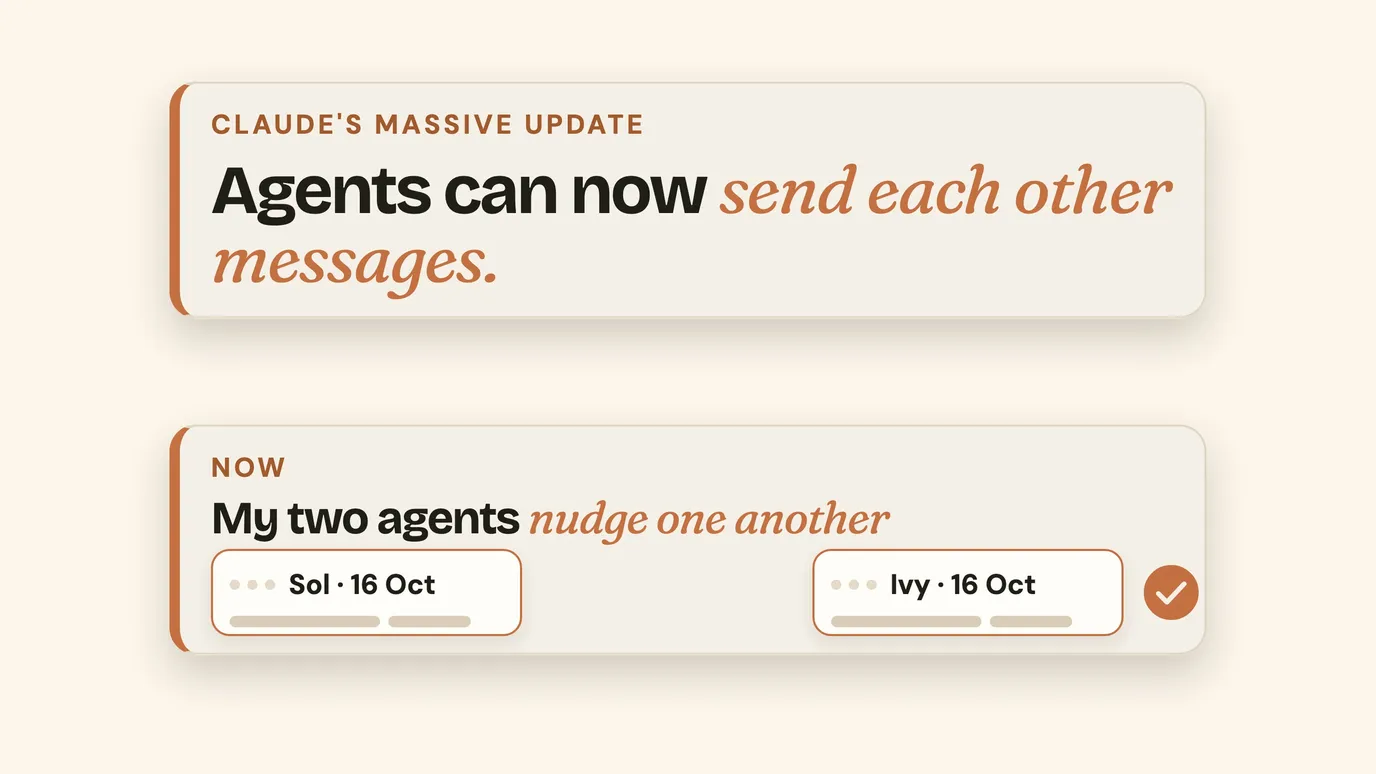
Claude agent teams are a Claude Code feature where one lead agent starts a group of teammates, each in its own session, and they message each other directly. They're one of three ways Claude agents can talk to each other, and my own office runs on the third.
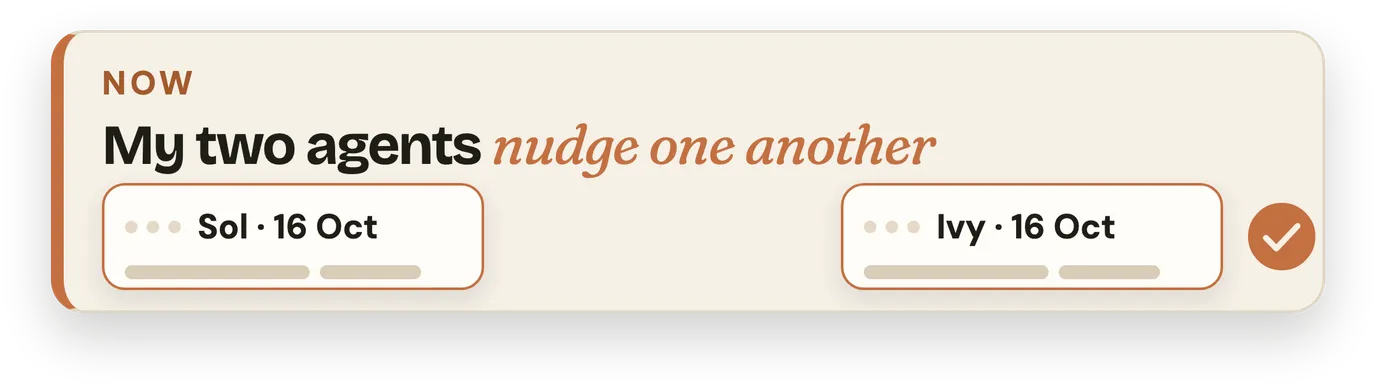
What made me film it this week: my two agents, Sol and Ivy, sending each other messages.
Claude agent teams vs subagents: three ways agents talk
| How it works | Good for | |
|---|---|---|
| Subagents | The agent you're talking to sends a helper off on one job, and the helper reports back | A focused task where only the result matters |
| Agent teams | A lead agent starts teammates who share a task list and message each other | Bigger work the agents need to discuss and divide |
| Your own sessions messaging | Two Claude Code sessions you already have open message each other when one needs something | A team where each agent owns a job, like mine |
Agent teams are still experimental: off until you switch them on, and heavy on your plan, since every teammate is its own session. Anthropic's guide to agent teams shows how.
How my two agents message each other
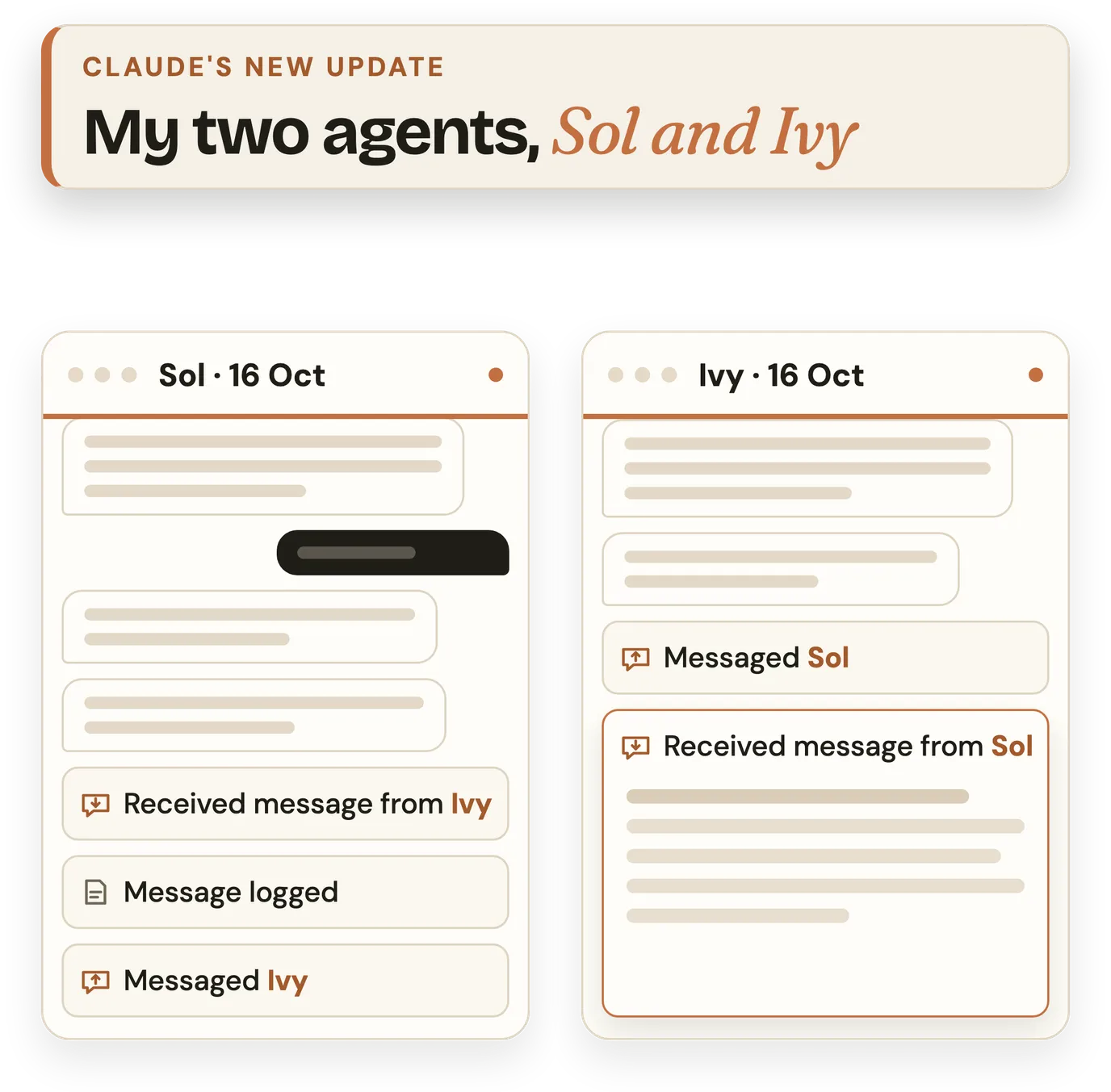
Every agent in my office has its own job and its own chat. I keep Sol's and Ivy's open side by side in Claude Code, inside the Claude app, and when one needs information the other has, they nudge each other and get it.
Before, work went back and forth through subagents, and the context didn't come with it. So I ran my office like an inbox, with notes in a shared folder, and I was the middleman telling each agent which file to open.
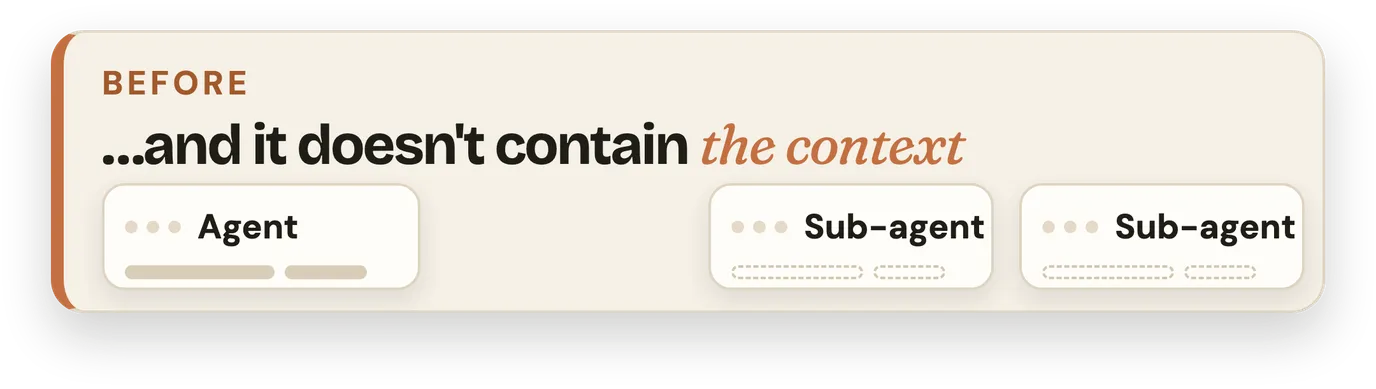
Now a quick message goes from one chat to the other without touching a file.
Sol, our lead agent, is the other way I use it. Once each agent's workflow is settled with me, Sol will be the one who spins up the whole team as subagents.
What else changed in the big Claude update
The update rolls out slowly, so you may not have all of this yet.
Chat and Cowork in one place
On my account, they've merged.
A friendlier Claude Code
The Code tab has a new layout with panels you arrange yourself, far friendlier if you don't live in a terminal.
Environments
You choose where a session runs: your computer, the cloud, or another machine you connect to.
Mods
You can add your own panel, command or rule to Claude Code. A mod runs with your permissions, so only install one from someone you trust.
If you're new to Claude, this guide explains which part of Claude does what.
Frequently asked questions
Do I need agent teams for my agents to message each other?
No. Since August 2026, Claude Code sessions you already have open can message each other on an up-to-date version, with nothing to switch on. Agent teams are a separate, experimental setting for when you want one lead agent to start and run a group of teammates.
Was this possible before the update?
Yes, in Claude Code. Agent teams arrived as an early preview in February 2026, and sessions messaging each other arrived in August. What changed for me is that it's far more user-friendly now: right inside the Claude app, I can see each message arrive and open it.
Does one agent see the other agent's whole conversation?
No. A message is a short piece of text one agent writes to the other, never its whole conversation or its files. Each agent keeps its own work and passes on only what the other one needs.
Can someone set up a team of AI agents for my business?
Yes. That's what we do at Tidastra: we build an office of AI agents around how your business already works, each with its own job, and your team uses it. Book a call and we'll tell you straight if it's a fit.
The takeaway
For me, that's the whole point: instead of me being the middleman, my agents now pass information across to each other without touching a file.
Rather have a team like this built for your business? Here's what an office of AI agents does.